

Global Broker Regulation Inquiry App
About WikiFX

cTrader: CFD Trading & ChartsGet cTrader, a premium online trading platform for Gold, Indices, Forex & Stocks
Download
Download Index
10,696
Related Brokers Trading Pro

Featured Forex Tools
Status
Online 29937 Ratings
Active Index 0
App Size --
APP ID
com.spotware.ct Compatibility 10

Software Screenshots


Software Description
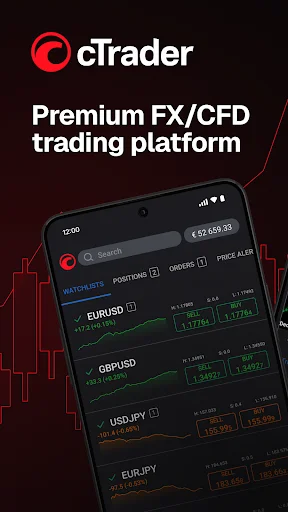
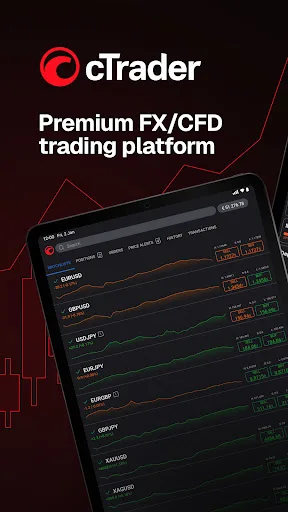
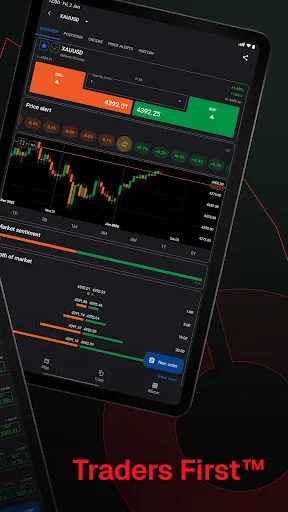
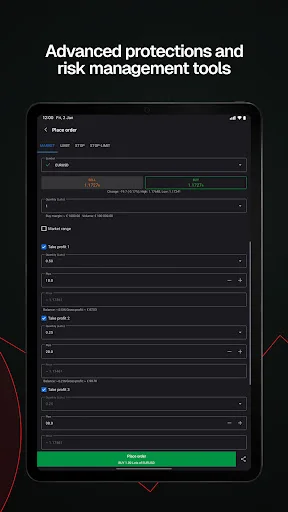
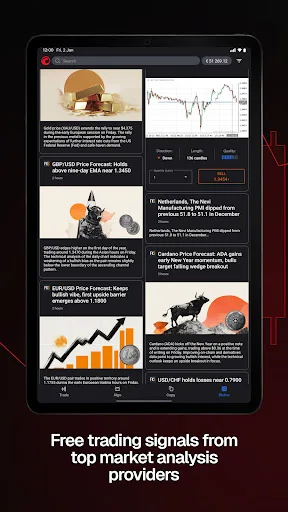
cTrader app provides a premium mobile trading experience: buy and sell global assets on Forex, metals, oil, Indices, Stocks and ETFs.
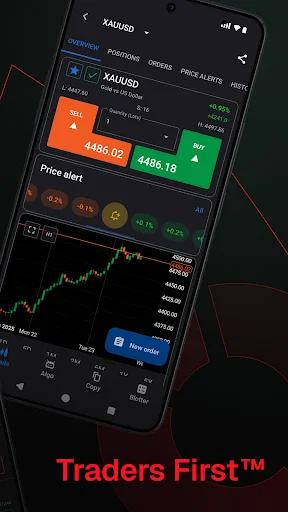
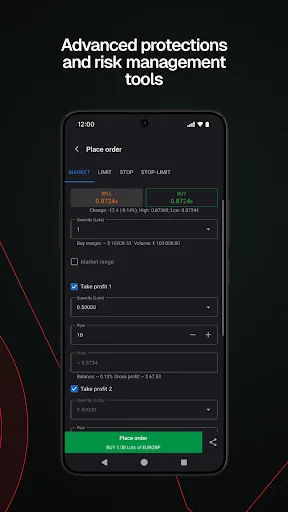
Just log in with your Facebook and Google account or your cTrader ID and get access to a complete range of Order types, advanced technical analysis tools, price alerts, trade statistics, advanced Order management settings, symbol watchlists and a variety of other settings to customise the platform to your on-the-go trading requirements.
Straight-through processing (STP) and No Dealing Desk (NDD) trading platform:
• Detailed symbol information helps you to understand the assets you are trading.
• Symbol trading schedules show you when the market is open or closed.
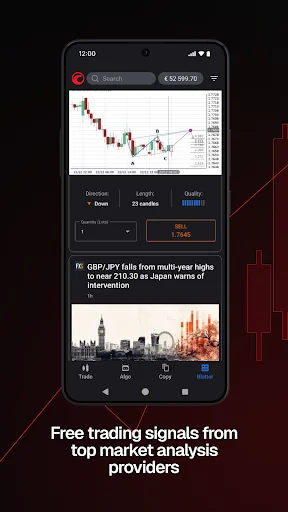
• Links to news sources inform you about events that may affect your trading.
• Fluid and responsive charts and Quick Trade mode allow for one-click trading.
• Market sentiment indicator shows how other people are trading.
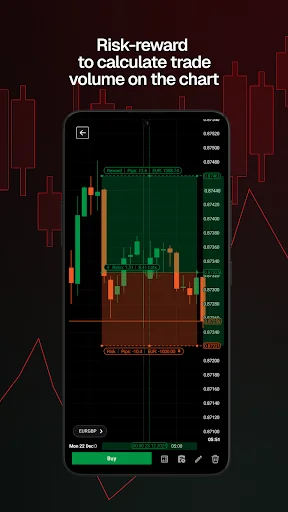
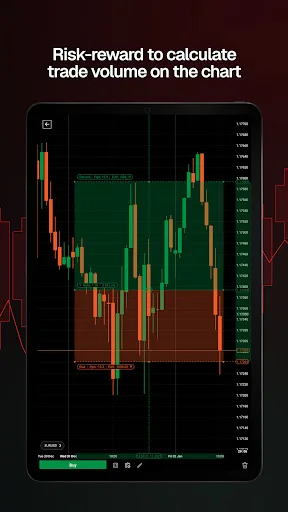
Sophisticated technical analysis tools with advanced settings for all indicators and drawings:
• 5 chart types: standard time frames, tick, Renko, range, Heikin Ashi
• 5 chart view Options: candlestick, bar, line, dot, area
• 16 chart drawing tools: horizontal, vertical, arrow and trend lines, ray, Fibonacci retracement, Fibonacci fan, Fibonacci time zones, Fibonacci expansion, Fibonacci arc, equidistant price channel, rectangle, triangle, ellipse, text, pitchfork (three Options)
• 65 popular technical indicators
Additional features:
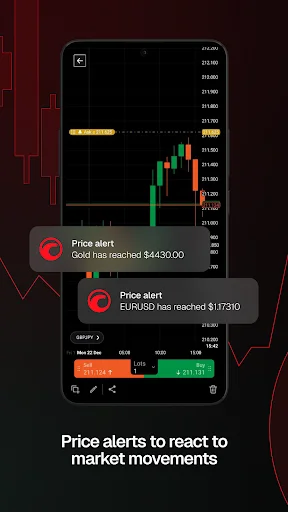
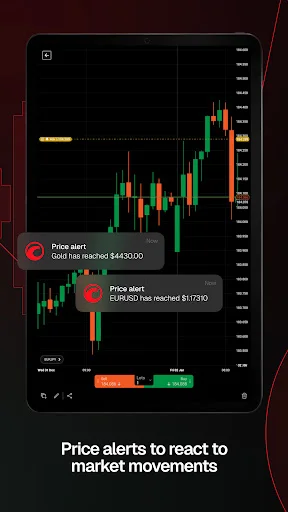
• Push and email alert configuration: choose which events you want to know about.
• All accounts in one app: switch swiftly through your accounts with a simple click.
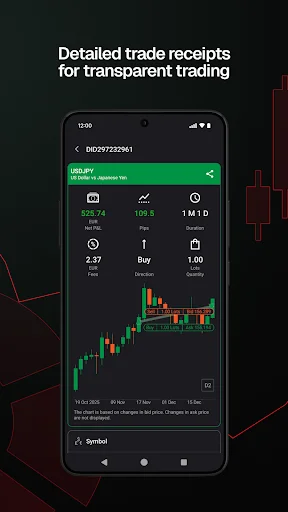
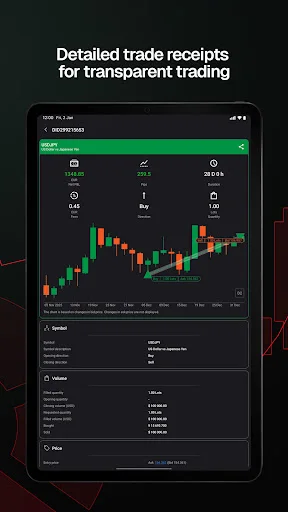
• Trade statistics: review your strategies and trade performance in detail.
• Price alerts: get notified when a price hits a specified level.
• Symbol watchlists: group and save your favourite symbols.
• Manage sessions: log off your other devices.
• Dark theme: trade on the platform's popular and eye-friendly dark interface.
• 23 languages: access all platform features translated into your native language.
Companion App
Total: 4 
TradingPro cTrader
Forex & Stocks online trading Download Index:0 Online

Trading Pro
Fund Manage Download Index:45 Online

TradingPro cTrader
Get cTrader, an advanced online trading platform for forex and CFDs. Download Index:0 Online

Trading Pro
Ready to embark on this exciting journey? Download the TradingPro app now. Download Index:29 Online
Software Info
Developer
Post Date
2014-02-10
Last Updated
2026-04-21
APP ID
com.spotware.ct
Version
5.8.170
Compatibility
Available on Android
Supported Regions
Supports 171 countries and regions
Official website
https://ctrader.com/forum Privacy Policy URL
https://www.spotware.com/privacy-policy Version History
2026years04Month21
cTrader: CFD Trading & Charts
Version:5.8.170
Update Log
cTrader Mobile 5.8 improves notifications and chart controls.
Upgraded notifications – stay updated with reworked in-app notifications, including actionable ones.
Order filled sound – receive audible alerts on Order fills if device sound is enabled.
Redesigned chart controls – select periods, chart types, indicators and drawing tools from new bottom sheets.
Enhanced crosshair – long press a chart to bring up the crosshair and use measure mode.
Companion App
Total: 3 TradingPro cTrader
Forex & Stocks online trading Downloads:0 Online
Trading Pro
Fund Manage Downloads:45 Online
TradingPro cTrader
Get cTrader, an advanced online trading platform for forex and CFDs. Downloads:0 Online
Trading Pro
Ready to embark on this exciting journey? Download the TradingPro app now. Downloads:29 Online