
Global Broker Regulation Inquiry App
About WikiFX

cTrader: CFD Trading & Charts
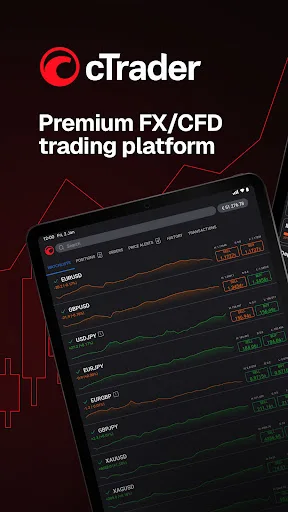
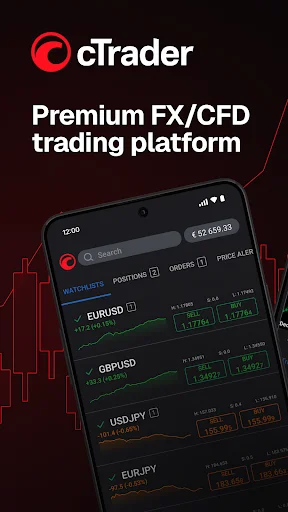
cTrader: CFD Trading & ChartsGet cTrader, a premium online trading platform for Gold, Indices, Forex & Stocks
Download
Download Index
6,581
Related BrokersEMAR MARKETS EMAR MARKETS

Featured Forex Tools
Status
Online
0 Ratings
Active Index 0
App Size --
APP ID
com.spotware.ct
Compatibility 10

Software Screenshots
https://img.zy223.com/diandian/1778046277219/diandian1778046277219_341159.jpg_ddefault-webphttps://img.zy223.com/diandian/1778046277219/diandian1778046277219_580613.jpg_ddefault-webphttps://img.zy223.com/diandian/1778046277219/diandian1778046277219_549528.jpg_ddefault-webphttps://img.zy223.com/diandian/1778046277219/diandian1778046277219_905453.jpg_ddefault-webphttps://img.zy223.com/diandian/1778046277219/diandian1778046277219_508392.jpg_ddefault-webphttps://img.zy223.com/diandian/1778046277219/diandian1778046277219_784093.jpg_ddefault-webphttps://img.zy223.com/diandian/1778046277219/diandian1778046277219_380561.jpg_ddefault-webphttps://img.zy223.com/diandian/1778046277219/diandian1778046277219_113311.jpg_ddefault-webphttps://img.zy223.com/diandian/1778046277219/diandian1778046277219_670605.jpg_ddefault-webphttps://img.zy223.com/diandian/1778046277219/diandian1778046277219_875350.jpg_ddefault-webphttps://img.zy223.com/diandian/1778046277219/diandian1778046277219_540830.jpg_ddefault-webphttps://img.zy223.com/diandian/1778046277219/diandian1778046277219_907277.jpg_ddefault-webphttps://img.zy223.com/diandian/1778046277219/diandian1778046277219_193432.jpg_ddefault-webphttps://img.zy223.com/diandian/1778046277219/diandian1778046277219_957369.jpg_ddefault-webphttps://img.zy223.com/diandian/1778046277219/diandian1778046277219_165222.jpg_ddefault-webphttps://img.zy223.com/diandian/1778046277219/diandian1778046277219_643475.jpg_ddefault-webp
Software Description
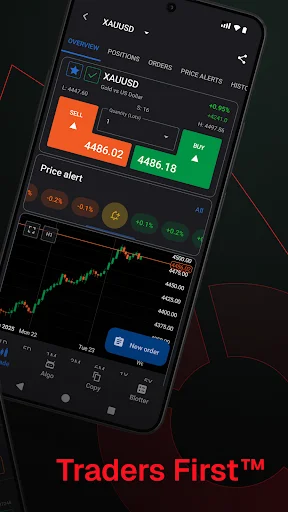
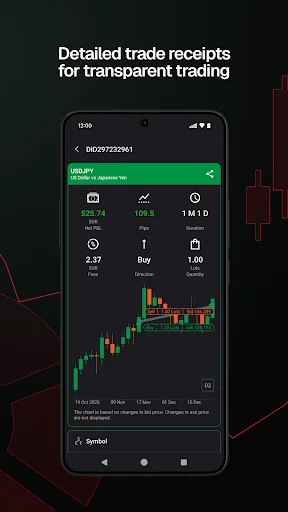
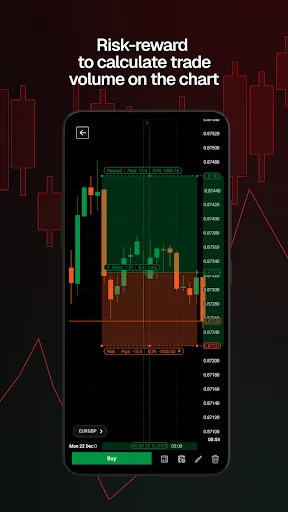
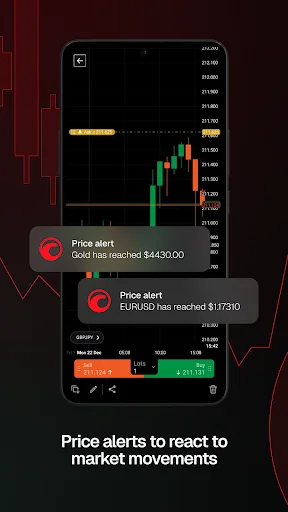
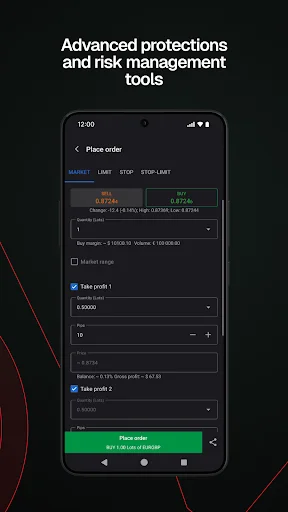
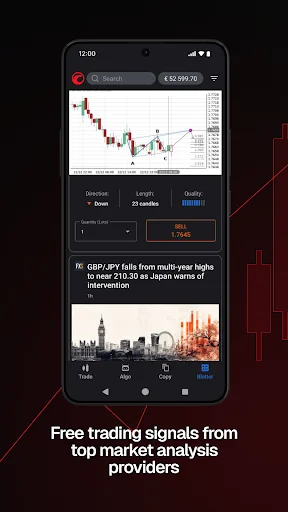
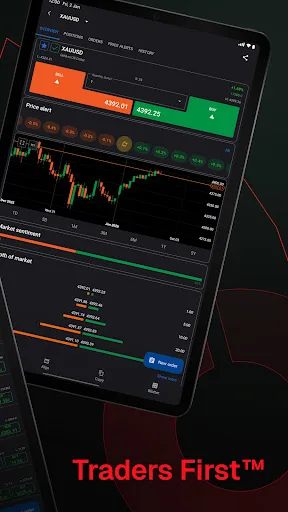
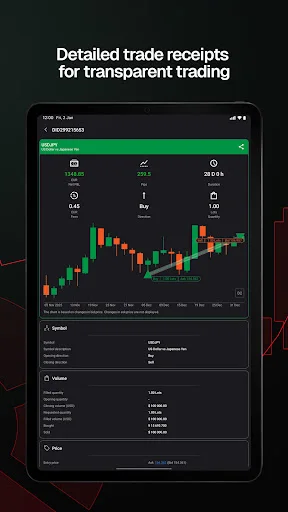
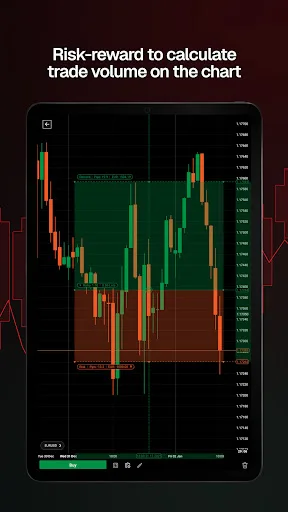
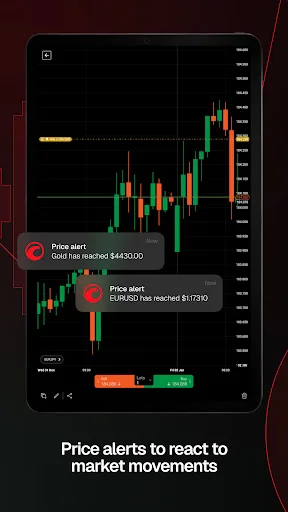
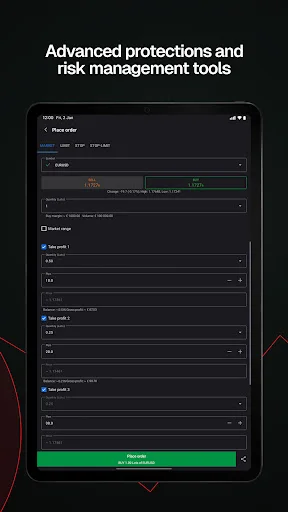
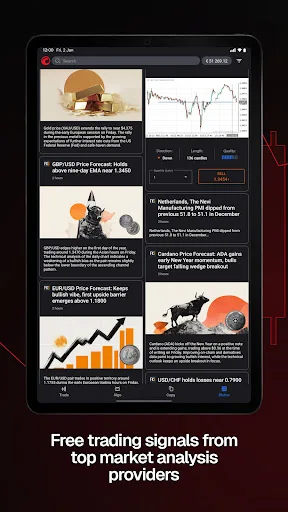
cTrader app provides a premium mobile trading experience: buy and sell global assets on Forex, metals, oil, Indices, Stocks and ETFs. Just log in with your Facebook and Google account or your cTrader ID and get access to a complete range of Order types, advanced technical analysis tools, price alerts, trade statistics, advanced Order management settings, symbol watchlists and a variety of other settings to customise the platform to your on-the-go trading requirements. Straight-through processing (STP) and No Dealing Desk (NDD) trading platform: • Detailed symbol information helps you to understand the assets you are trading. • Symbol trading schedules show you when the market is open or closed. • Links to news sources inform you about events that may affect your trading. • Fluid and responsive charts and Quick Trade mode allow for one-click trading. • Market sentiment indicator shows how other people are trading. Sophisticated technical analysis tools with advanced settings for all indicators and drawings: • 5 chart types: standard time frames, tick, Renko, range, Heikin Ashi • 5 chart view Options: candlestick, bar, line, dot, area • 16 chart drawing tools: horizontal, vertical, arrow and trend lines, ray, Fibonacci retracement, Fibonacci fan, Fibonacci time zones, Fibonacci expansion, Fibonacci arc, equidistant price channel, rectangle, triangle, ellipse, text, pitchfork (three Options) • 65 popular technical indicators Additional features: • Push and email alert configuration: choose which events you want to know about. • All accounts in one app: switch swiftly through your accounts with a simple click. • Trade statistics: review your strategies and trade performance in detail. • Price alerts: get notified when a price hits a specified level. • Symbol watchlists: group and save your favourite symbols. • Manage sessions: log off your other devices. • Dark theme: trade on the platform's popular and eye-friendly dark interface. • 23 languages: access all platform features translated into your native language.
Ratings & Reviews
2206
Comments
Positive
Neutral
Good
Poor
Negative
Frustrating Experience After Latest Update
Negative
10-09
Adeola Adeyemi
This update has made the app nearly unusable. Running backtesting and optimization is impossible, and the overall interface is just awful.
Awful Experience After Latest Update
Negative
10-09
Oluwaseun Adebayo
Ever since the new update, this app has become a nightmare. I'm unable to perform backtesting and optimization, and the overall interface is just horrendous.
Why add a pointless signal feature and mess up notifications?
Negative
10-07
H G
So the devs thought it'd be great to roll out this 'signal' thing no one wanted and screw with our alerts - brilliant move, right?
Excellent app
Positive
In a week
bala j s
This app is really great!
Great App!
Positive
In a week
s balaji
This app is excellent.
Great Experience
Positive
In a week
Rajesh Kumar
This app is awesome and works perfectly for me.
Nice App
Positive
In a week
Vikram Singh
This app is great and works well.
CTrader Needs More Tools
Positive
In a week
ForexTraderPro
CTrader is a great platform, but it's missing many tools that TradingView has. I'd really appreciate it if you could add long and short position tools with price ranges, and include all the other missing features. Also, please add a rectangle tool. I love CTrader, so adding these would make it even better.
CTrader平台功能缺失反馈
Positive
In a week
CTraderFan
我很喜欢CTrader平台,但发现它缺少像TradingView那样的许多工具。希望CTrader能增加多空仓位及价格范围功能,还有很多其他工具也缺失,请全部添加。我热爱CTrader平台,请添加矩形工具。
Average
Positive
In a week
Rajesh Kumar
It's fine, nothing special.
Software Info
Developer
QUANTUM GLOBAL CAPITAL LLC Spotware
Post Date
2014-02-10
Last Updated
2026-04-21
APP ID
com.spotware.ct
Version
5.8.170
Compatibility
Available on Android
Supported Regions
Supports 171 countries and regions
Version History
2026years04Month21
cTrader: CFD Trading & Charts
Version:5.8.170
Update Log
cTrader Mobile 5.8 improves notifications and chart controls. Upgraded notifications – stay updated with reworked in-app notifications, including actionable ones. Order filled sound – receive audible alerts on Order fills if device sound is enabled. Redesigned chart controls – select periods, chart types, indicators and drawing tools from new bottom sheets. Enhanced crosshair – long press a chart to bring up the crosshair and use measure mode.
Select Country/Region
United States
※ WikiFX compiles data from publicly available sources and user contributions. While we endeavor to maintain its accuracy, we do not warrant the information's completeness, accuracy, or timeliness, as it may become outdated. Investors are strongly advised to verify critical details with official sources before making any decisions.
You are visiting the WikiFX website. WikiFX Internet and its mobile products are an enterprise information searching tool for global users. When using WikiFX products, users should consciously abide by the relevant laws and regulations of the country and region where they are located.
consumer hotline:006531290538
Official Email:support@wikifx.com;
Mobile Phone Number:234 706 777 7762;61 449895363
Telegram:+60 103342306
Whatsapp:+852-6613 1970;
License or other information error corrections, please send the information to:qa@wikifx.com
Cooperation:business@wikifx.com